Delete Candidate Date
Completion requirements
You can delete all candidate data in a project. You can also retain some candidate’s data.
Click here to download this page.
Delete Candidate Data
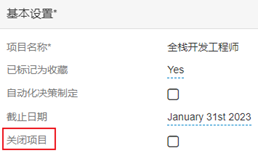
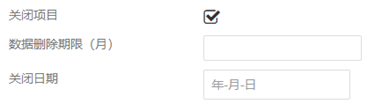
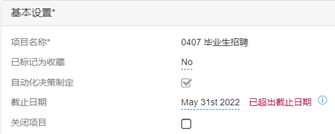
- In the project, expand Basic Settings section.
- Enable close project.
- Insert the number of months after the closure date for which the data should be held.
- Insert the closure date.
- Click update to save the changes.
- If the deadline date on the project has passed, change it to reflect the current day, or a date in the future.



Retain Candidate Data
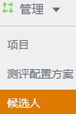
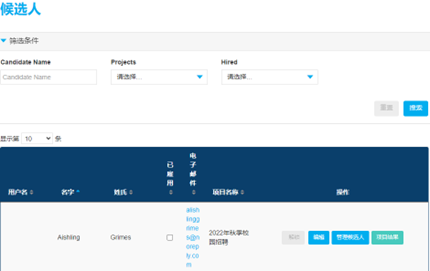
- To retain a particular candidate’s data on a project on which a Data Deletion has been applied, you need to select Manage in the navigation bar and select Candidate in the drop-down list.
- You can use filters to find the candidate.
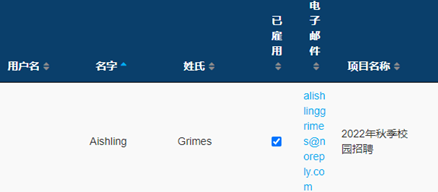
- Enable hired.